October 18, 2026
Open a GPX file and import it as a route in oratrek
Got a route as a GPX file? Here's how to get it into oratrek in a few taps – and what to do if the import doesn't work.
Read more →Navigate offline, record your rides, pair Bluetooth sensors – with your smartphone, no account and no subscription.
Simple to use, with the focus on your activities
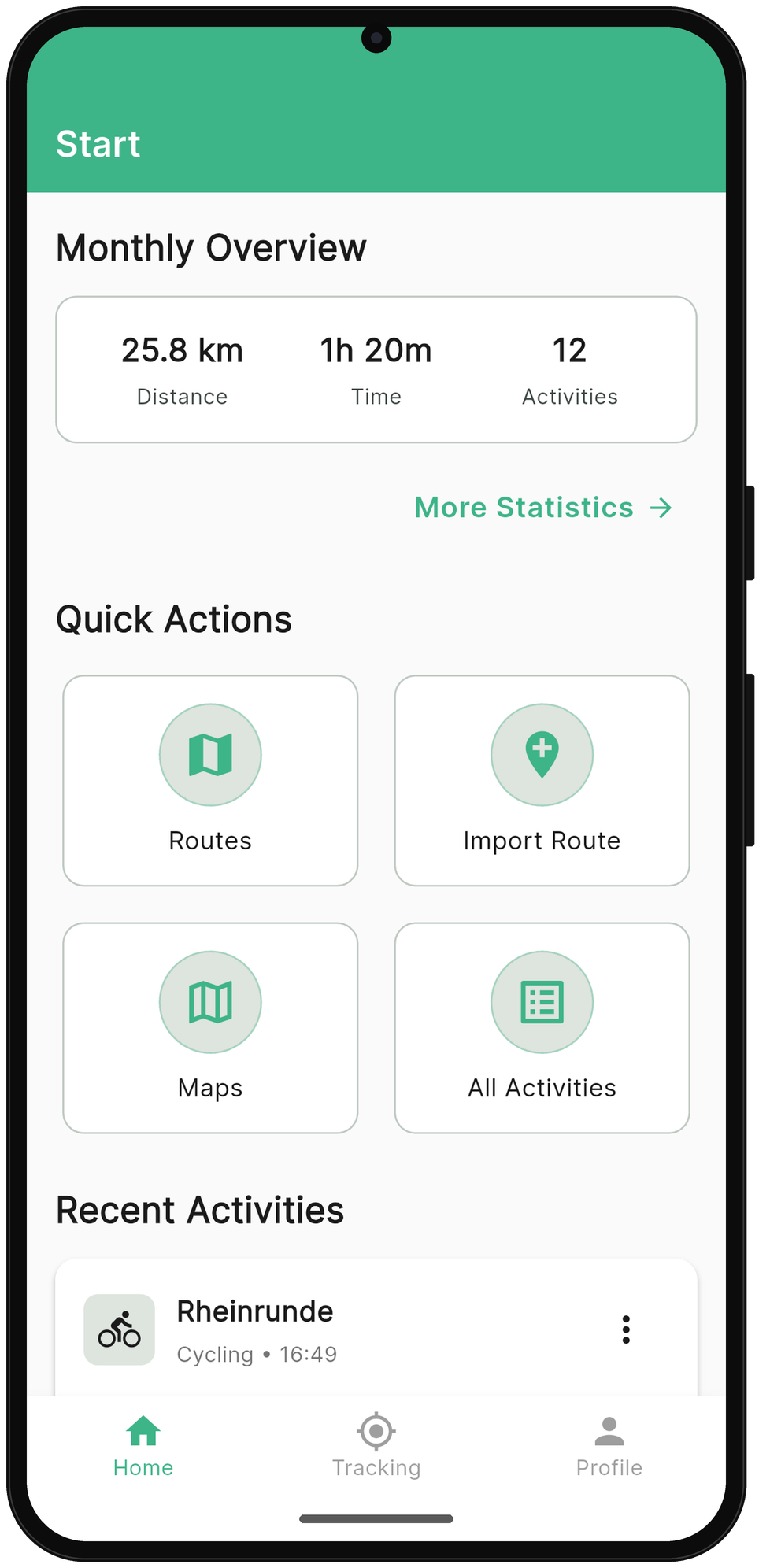
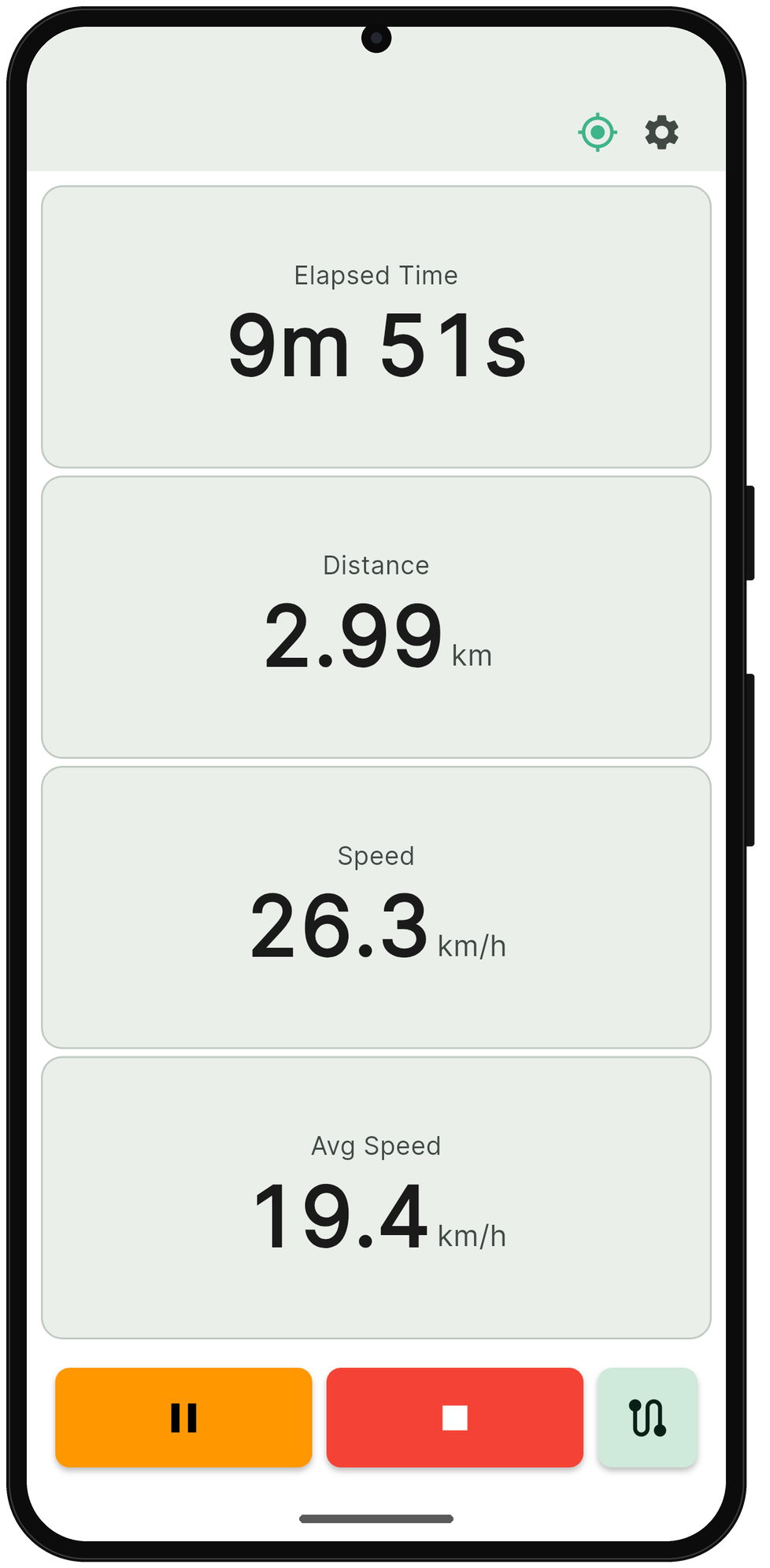
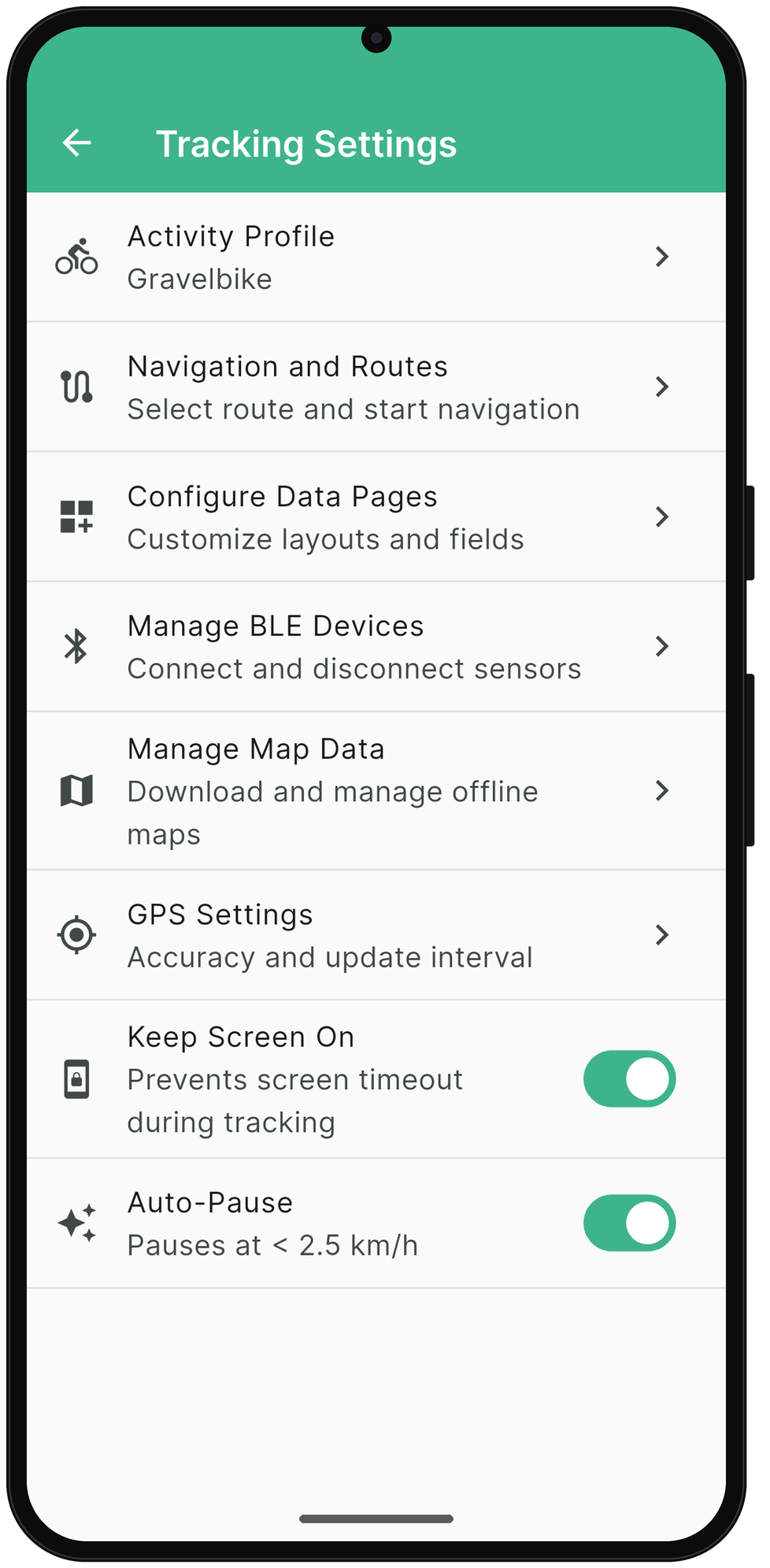
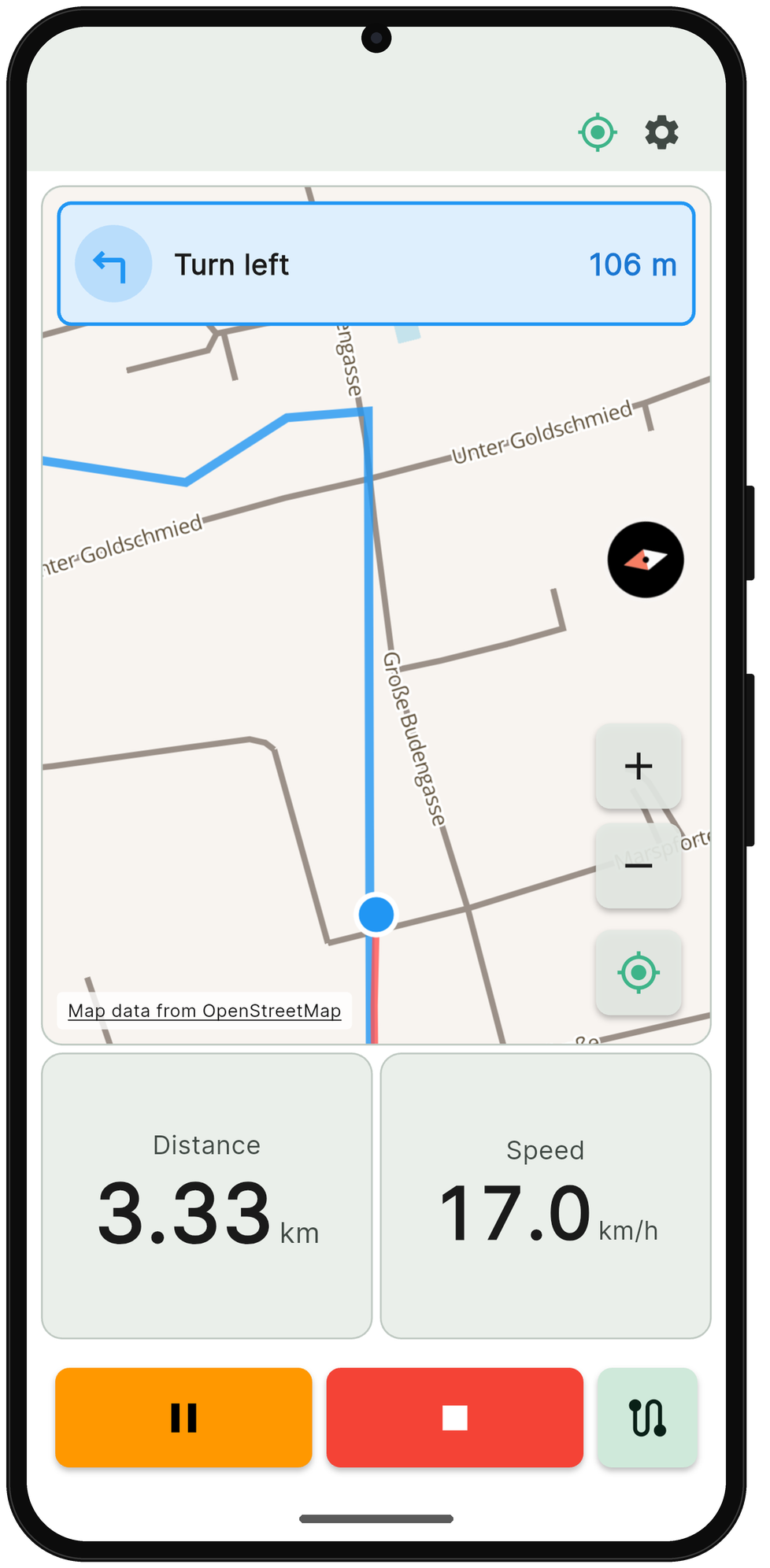
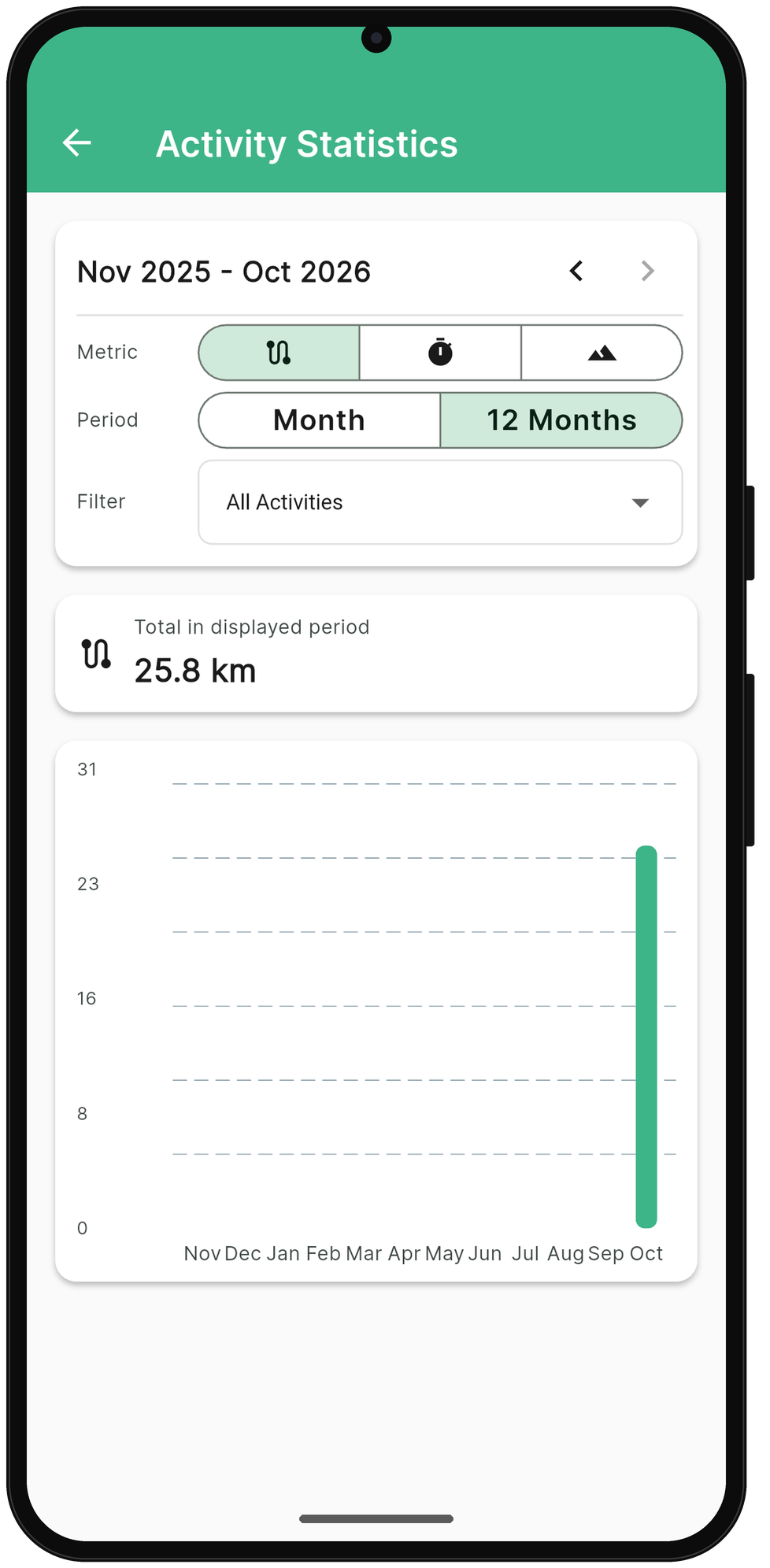
By default, oratrek checks your GPS position every 2 seconds, and you set the update interval yourself. Recording keeps running even with the screen locked.
Connect your Bluetooth sensors (BLE): heart rate monitors, speed/cadence sensors and power meters. Detected automatically.
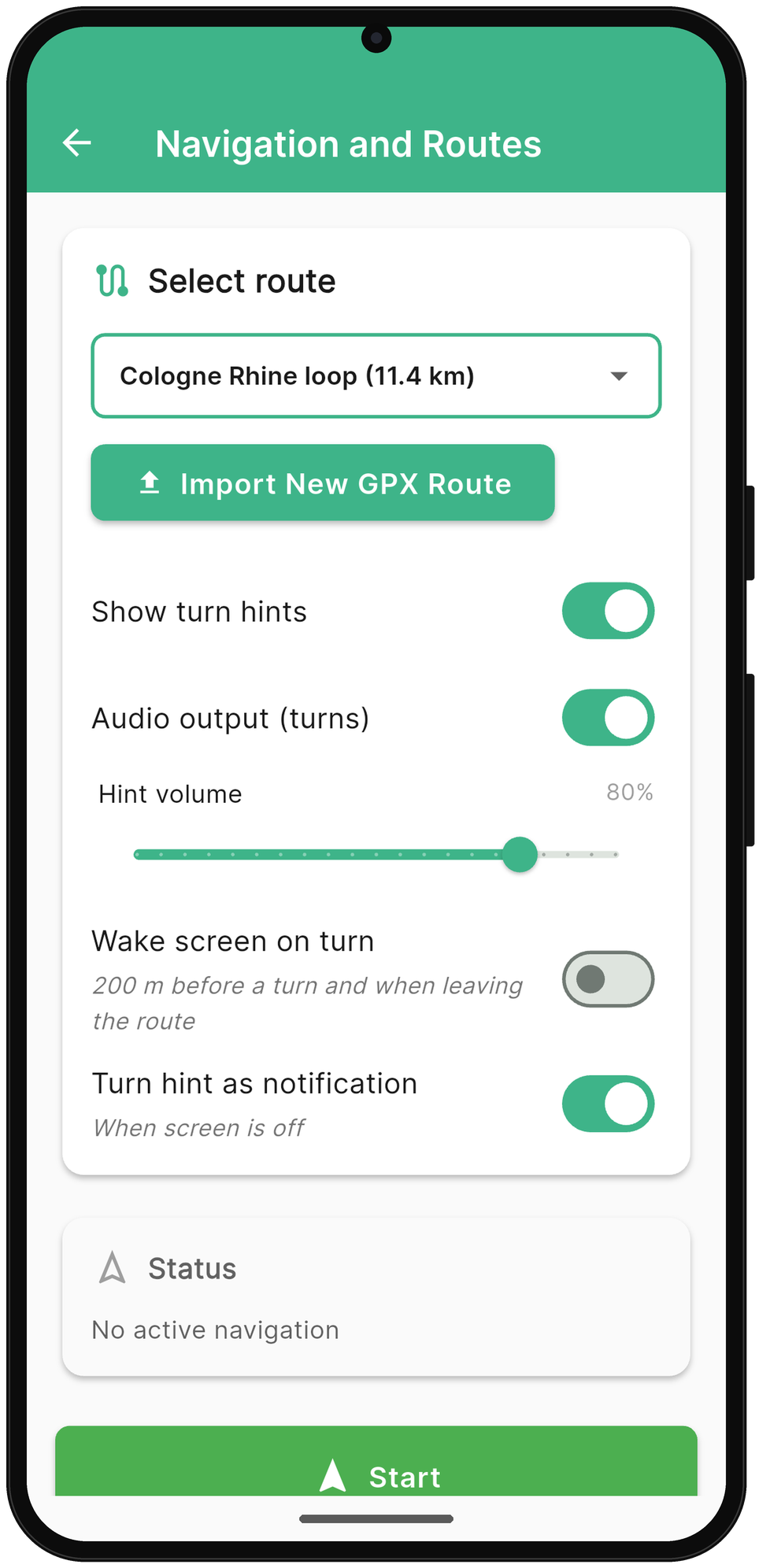
Import your GPX route and let the app guide you. You decide how you get your turn-by-turn hints: on screen, as a sound or as a notification.
Save settings for road cycling, mountain biking, running and more. Every activity, perfectly configured.
Monitor all key metrics in real time: average speed, heart rate, cadence and much more.
Recording pauses automatically when you stop or move very slowly – handy for rides with lots of stops.
You set the update interval yourself, and you don't need a cell signal while you're out riding.
oratrek doesn't need an account. The app stores your rides, sensor data and statistics on your smartphone, not with us.
Built by outdoor enthusiasts for outdoor enthusiasts
No hidden fees, no premium gimmicks. oratrek is completely free.
Recording keeps running even with the screen locked, and you decide how often GPS is checked: more detail for your after-work loop, more economical for the long day out.
You download maps and your route for free before your ride; on the go, you don't need a cell signal.
Developed by a small German team with a passion for cycling. We understand your needs because we live them.
Your activities can optionally be uploaded to Intervals.icu automatically – a seamless integration for your training analysis.
Export your activities as a FIT file, a file format that many training platforms can read.
Choose from predefined profiles, adjust them or create your own.
Create your profile to match your personal needs.
FreeChange the settings of individual profiles at any time.
AnytimeWe appreciate every comment and every suggestion.
We're still at the very beginning of our launch. If you like oratrek, we'd really appreciate a review on Google Play:
Have feedback or ideas, or found a bug? Feel free to email us directly:
We provide the app and all its features free of charge. But of course, providing the map data and turn-by-turn hints comes with costs. As a small team, we're very grateful for any voluntary support:
All the answers at a glance
Tips and tricks for using oratrek
Got a route as a GPX file? Here's how to get it into oratrek in a few taps – and what to do if the import doesn't work.
Read more →Why your screen sometimes only shows the lock screen at a turn, and how one permission fixes it – especially on Samsung and Xiaomi.
Read more →Step by step to your ride: import your GPX route, prepare offline maps and ride the route.
Read more →Download oratrek for free and start tracking your bike rides today.
↓ Get it on Google Play